Turn one photo into a
seamless Instagram grid.
Create clean, perfectly aligned 3-post or 6-post grids with bleed correction so the gaps disappear. No sign-up. No hassle.
- No account required
- Processed locally
- Free exports include a small watermark
1. Original photo
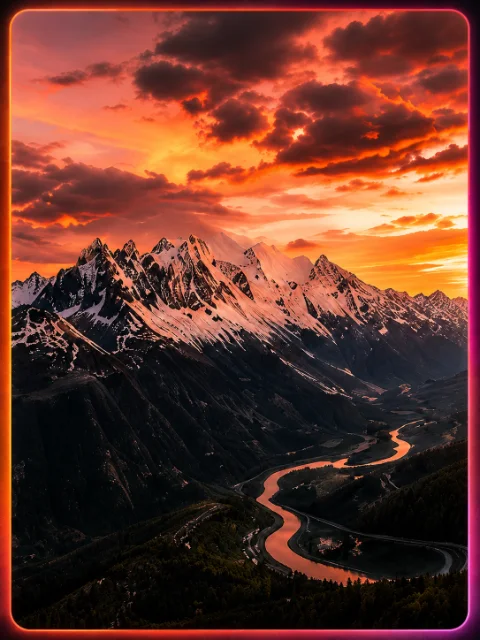
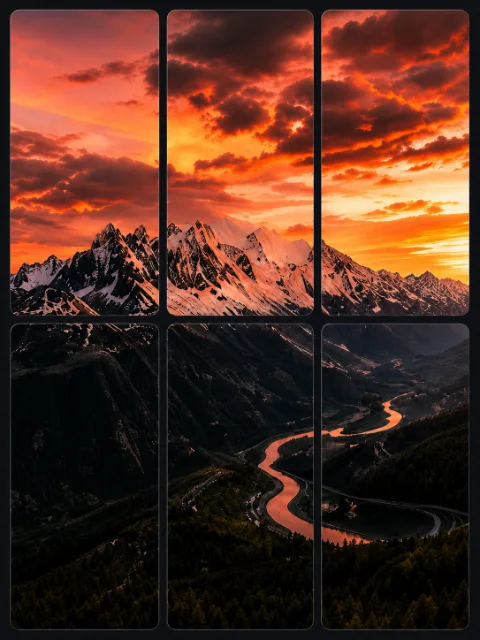
2. Split into tiles
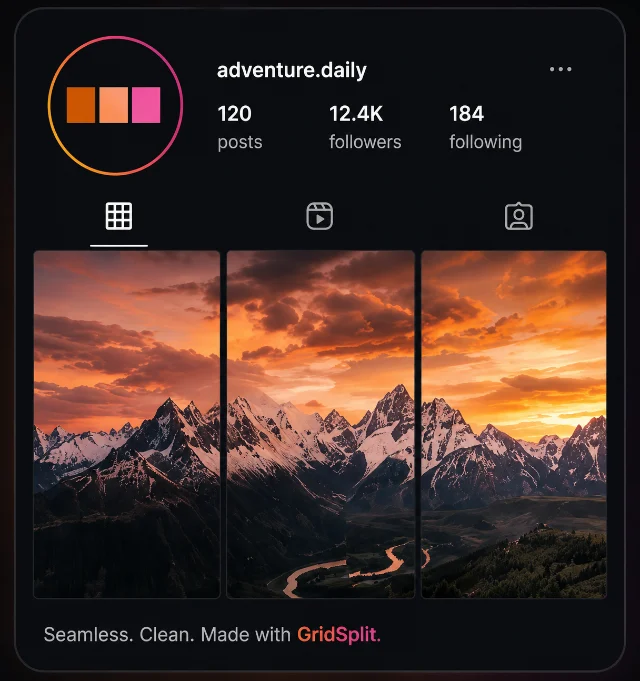
3. Live Instagram preview


Loved by creators, photographers & brands worldwide.
- 2.5k+posts generated
- 108,000+grids created
- 50K+creators trust GridSplit
Powerful. Simple. Fast.
Everything you need to create perfect grids
3 or 6-Post Grids
Choose a panoramic 3-post strip or a 6-post double-row grid.
Seamless Bleed Correction
Each tile overlaps its neighbour by 32.5px, so Instagram's grid gap disappears and your panorama reads as one image.
High-Quality Exports
1080×1350 portrait tiles at Instagram's native size, packed into a ZIP with the posting order baked in. Always crisp.
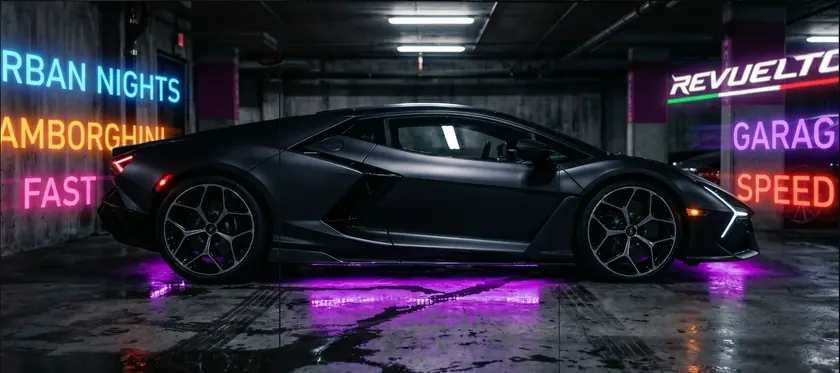
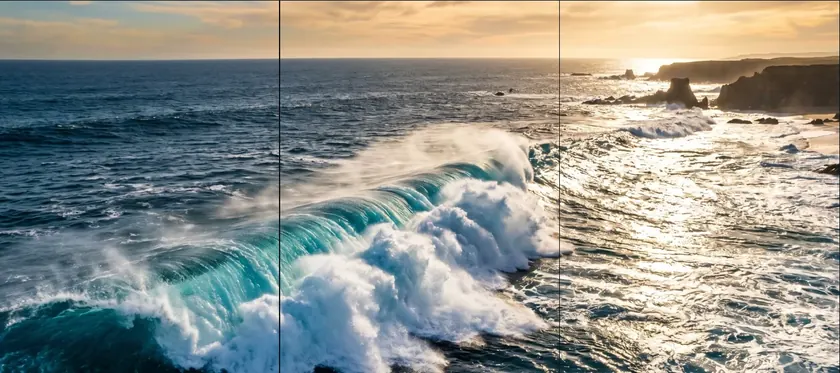
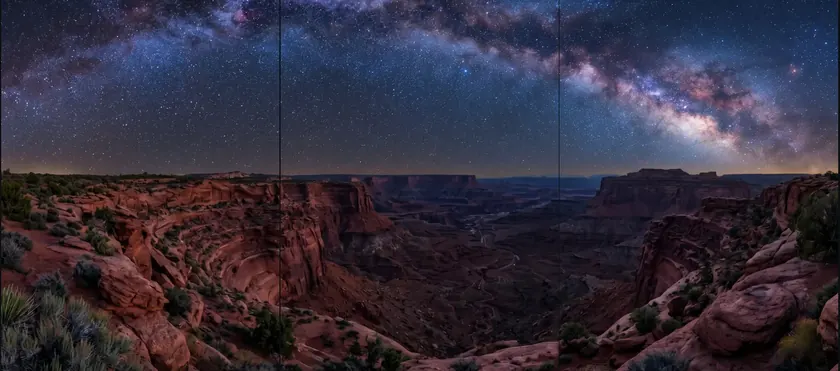
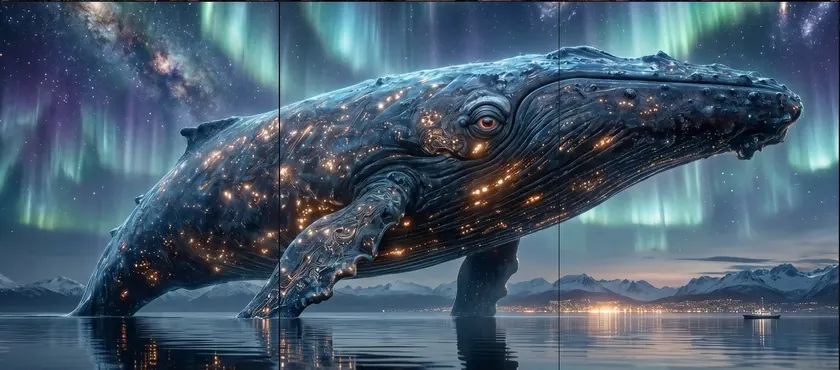
Examples
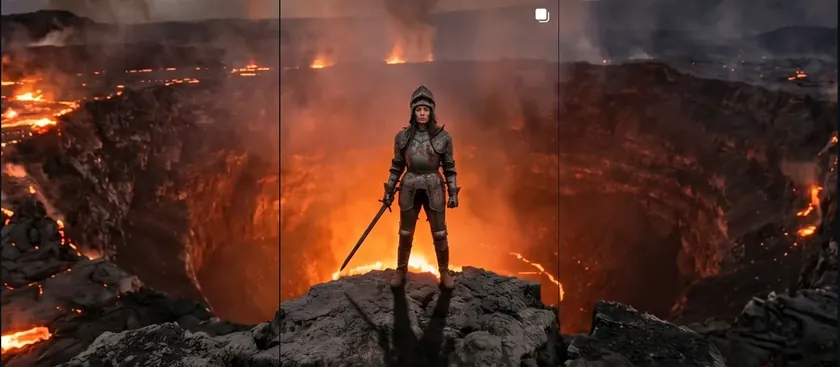
Real grids from real splits
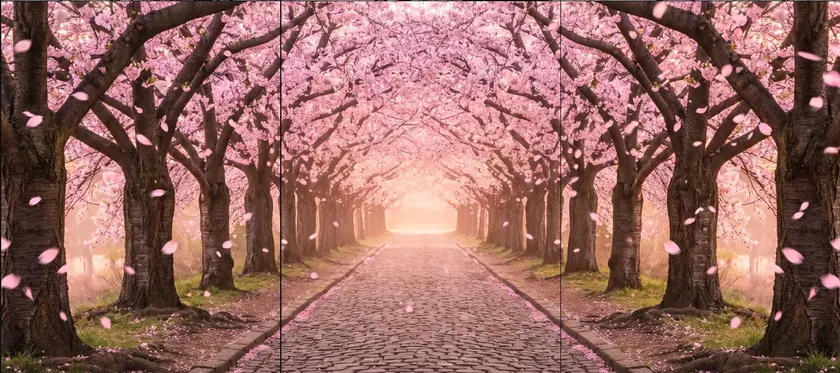
Why GridSplit
GridSplit is a free Instagram grid maker built for creators who care about quality. Unlike basic image splitters, GridSplit uses a bleed-correction formula specifically designed for Instagram's 4:5 portrait grid format — so the gaps Instagram adds between posts become completely invisible. Upload any photo, choose a 3, 6, or 9 post grid layout, and download perfectly sized 1080×1350px tiles ready to post. Whether you call it an Instagram puzzle feed, a panorama grid, or a seamless grid — the result is one continuous image across your profile. No app download. No account. Works in any browser on desktop or mobile.
How It Works
From chaos to cohesive in 4 steps
Upload one photo
Drag in a panorama or wide photo — JPG, PNG, WEBP, or HEIC. No batch needed; GridSplit splits a single image into your full grid.
Pick 3, 6, or 9 posts
Choose strip, double-row, or full square. Then drag or zoom to position your photo inside the grid.
Preview on a real profile
A live Instagram profile mockup shows exactly how the seamless tiles will read on your feed — gaps and all.
Download the ZIP
Bleed-corrected tiles at 1080×1350 each, ordered to post. Post tile #N first and tile #1 last so the grid fills correctly.
FAQ
Comments
What do you think?
Love it? Missing a feature? Tell us — we read everything.
No comments yet — be the first to say something.